MyOwnSMS is built around a simple merchant workflow: install the plugin, activate your license, pair your Android device, and start sending SMS from your own store with a clear and controlled setup.
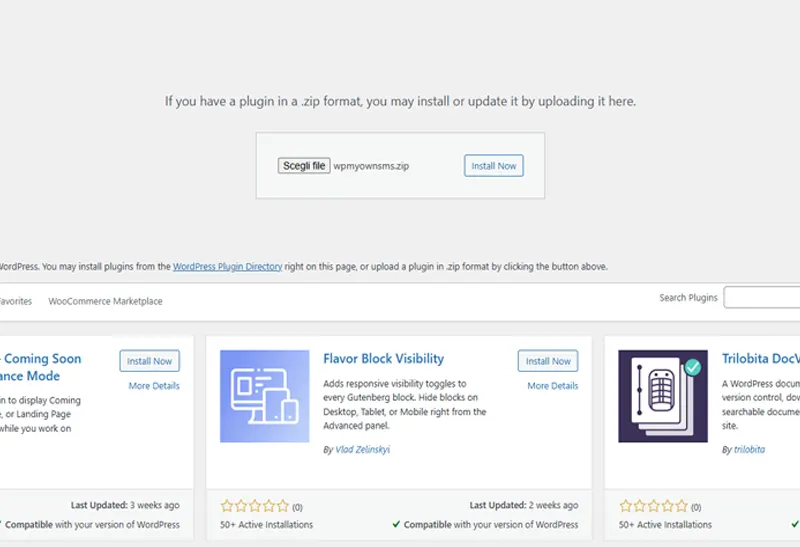
INSTALL THE PLUGIN
Connect your WooCommerce website to MyOwnSMS.
Install the MyOwnSMS plugin on your WordPress or WooCommerce store to connect your website to the platform. This is the first step that prepares your store for license activation, device pairing, and SMS operations.
ACTIVATE YOUR LICENSE
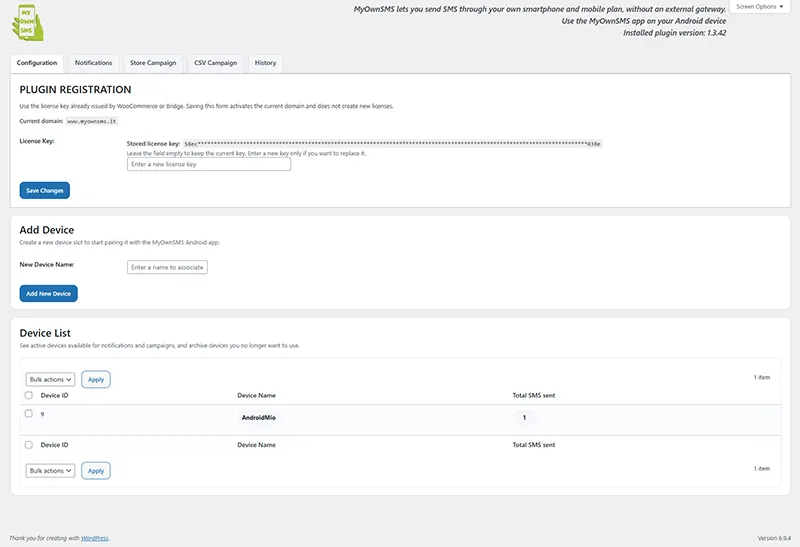
Your domain is registered and linked to a valid license key.
Enter the license key received after purchase to activate MyOwnSMS on your domain. Once the license is validated, your store is ready to move to the next step and connect your Android device.
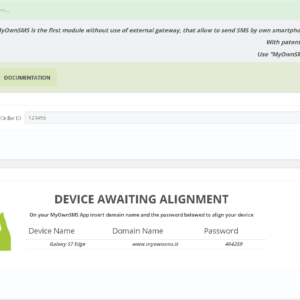
PAIR YOUR ANDROID DEVICE
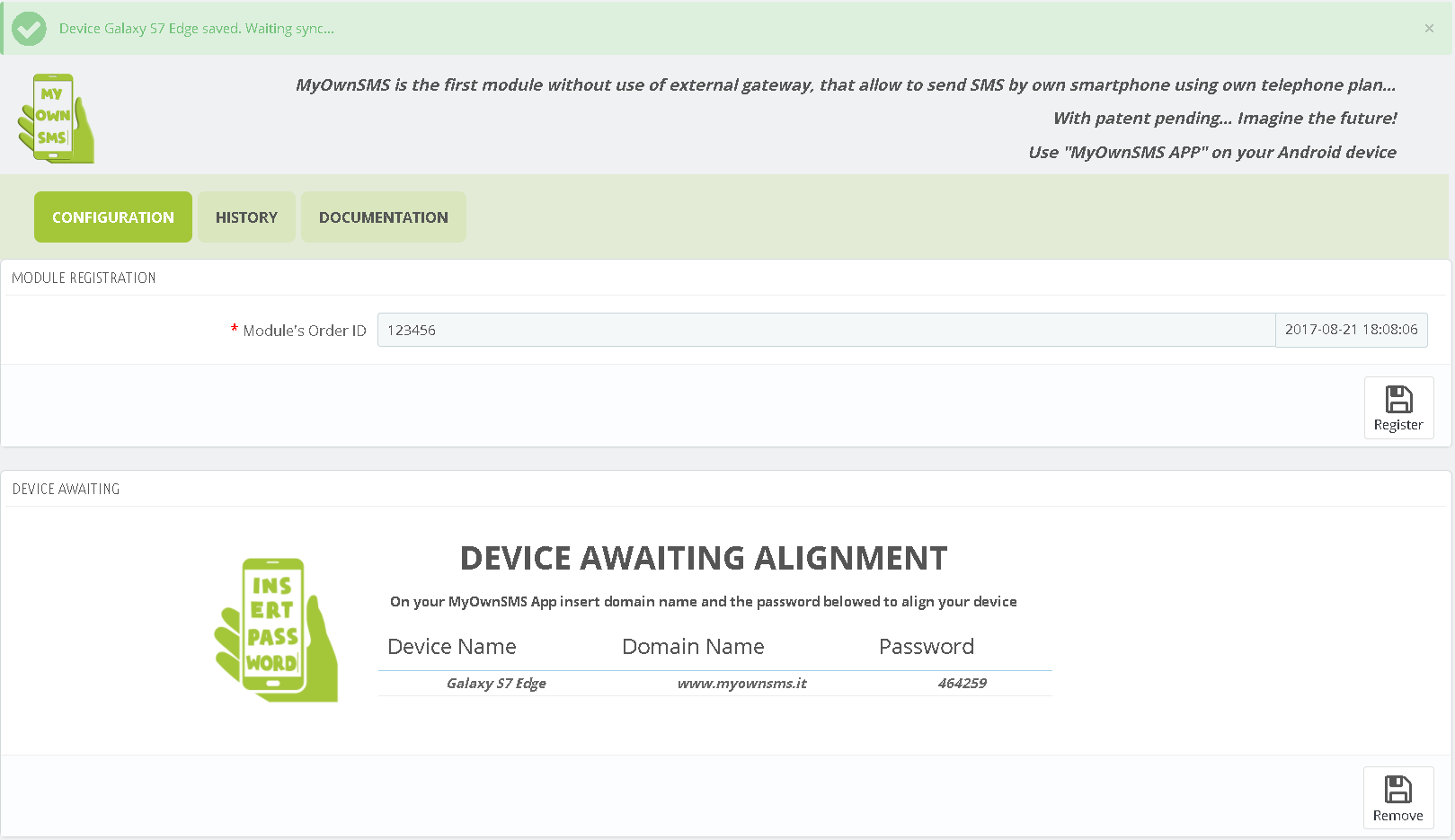
The mobile app is provisioned and connected to your merchant environment.
Install the MyOwnSMS Android app on your authorized smartphone and complete the pairing process. Your phone becomes the operational device used by the system, giving you direct control over SMS delivery.
SEND NOTIFICATIONS & CAMPAIGNS
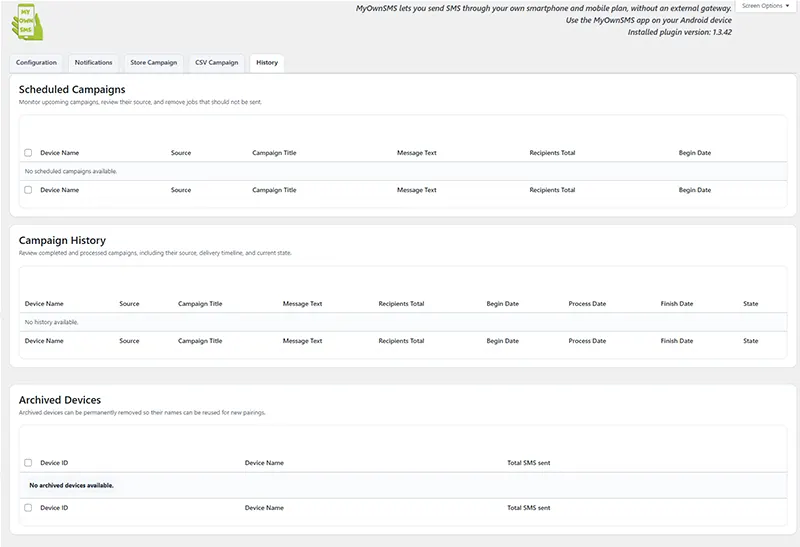
The app receives SMS jobs, sends them locally, and closes the delivery flow.
Once setup is complete, you can send order notifications, customer updates, and SMS campaigns through your own device. The result is a practical workflow designed for stores that want simplicity, control, and direct communication.